


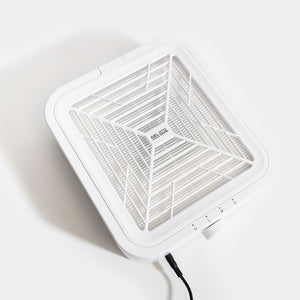
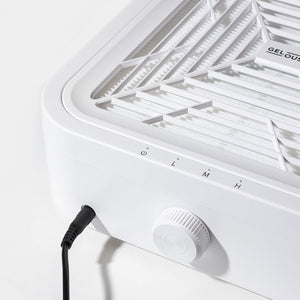


- Connect the DC Adaptor and plug into a switched-off power point. Switch the power point on once plugged in.
- Turn the Speed Dial to the right to power on and start suction.
- Continue turning right to increase suction, or left to decrease it.
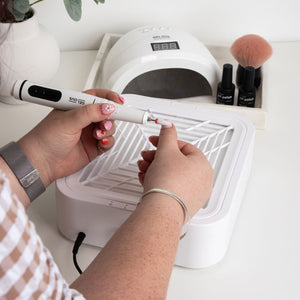
- Position your hand in the centre of the Nail Dust Collector.
- Turn the Speed Dial fully to the left until you hear a click to turn off.
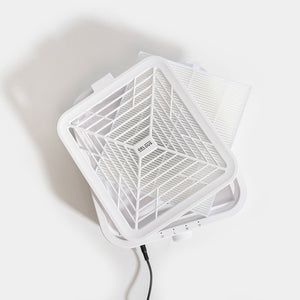
Read Dust Collector User Guide for more information.


